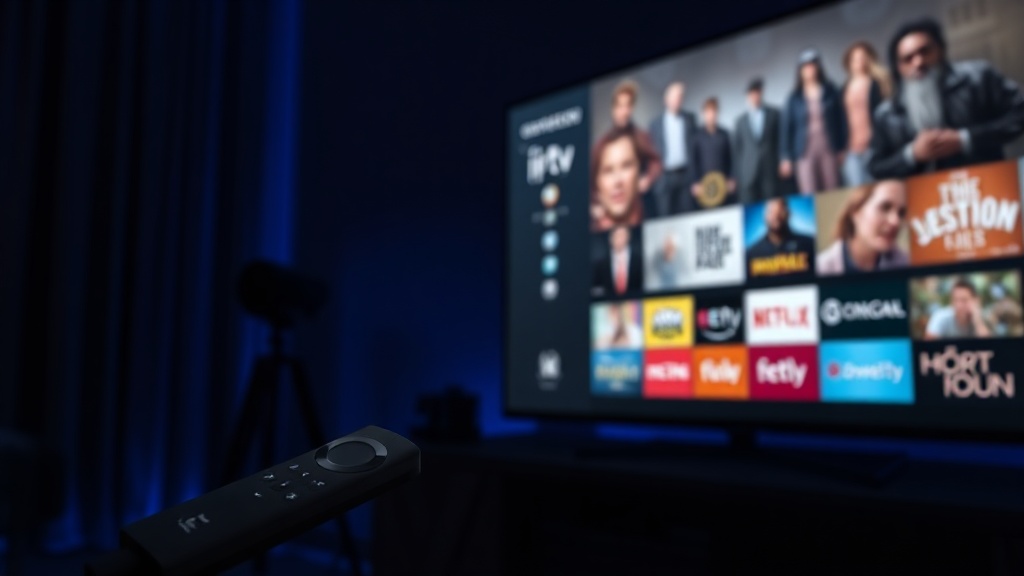
Compatible Firestick Models
IPTV UK works on all Amazon Fire TV devices:
Fire TV Stick Lite
Full HD streaming. Great entry-level option for most channels.
Fire TV Stick (3rd Gen)
Full HD with improved Wi-Fi and faster processor.
Fire TV Stick 4K
4K Ultra HD support. Ideal for IPTV UK 4K channels.
Fire TV Stick 4K Max
Fastest Firestick. Wi-Fi 6 support for smooth 4K streams.
What You Need Before Starting
- An Amazon Firestick (any model listed above)
- An active IPTV UK subscription — get yours here from €11.99
- Your IPTV UK credentials: server URL, username, and password (sent by email after subscribing)
- A stable internet connection (minimum 10 Mbps for HD, 25 Mbps+ for 4K)
Step 1 — Enable Unknown Sources on Firestick
Before installing any third-party app, you need to allow your Firestick to install apps from outside the Amazon App Store.
Open Firestick Settings
From the Firestick home screen, go to the top menu and select Settings (gear icon on the right).
Open My Fire TV
Scroll right and select My Fire TV.
Enable Developer Options
Select Developer Options. If you don't see it, click on the "About" section and click the "Fire TV Stick" entry 7 times to unlock Developer Options.
Turn On Apps from Unknown Sources
Toggle Apps from Unknown Sources to ON. Confirm when prompted. This allows sideloading APK files onto your Firestick.
Step 2 — Install the Downloader App
The Downloader app is the easiest tool for installing APKs on Firestick. It is available directly in the Amazon App Store.
Search for Downloader
Press the Search icon on the Firestick home screen and type Downloader. Select the orange app icon by AFTVnews.
Download and Install
Select Download (or Get), then Open once installed. Grant any storage permissions it requests.
Step 3 — Install IPTV Smarters Pro
IPTV Smarters Pro is the recommended IPTV player app for IPTV UK on Firestick. It is free, supports Xtream Codes, and has a clean interface.
Open Downloader and Enter APK URL
In the Downloader URL bar, enter the IPTV Smarters Pro APK URL. You can find the latest APK link by searching "IPTV Smarters Pro APK download" from a phone or computer, then typing the URL into Downloader.
Download and Install
The APK will download and automatically prompt you to install. Select Install and wait for the process to complete (usually under 30 seconds).
Delete the APK File
After installation, Downloader will ask to delete the APK — select Delete to free up storage space.
Step 4 — Connect IPTV UK to IPTV Smarters
Open IPTV Smarters Pro
Launch the app from your Firestick apps list. Accept the Terms of Service on first launch.
Select Login with Xtream Codes API
Choose Login with Xtream Codes API from the menu options.
Enter Your IPTV UK Details
Enter a name (e.g. "IPTV UK"), then your Server URL, Username, and Password — all provided in your IPTV UK confirmation email.
Start Watching
Tap Add User. Your full channel library loads — 21,000+ live channels, 120,000+ VOD titles. Browse Live TV, Movies, Series, and start streaming.
Pro Tip: For the best 4K experience on Firestick, connect via a USB Ethernet adapter for a wired connection. This virtually eliminates buffering even on 4K streams.
Troubleshooting Common Firestick IPTV Issues
App not loading / spinning wheel
This usually means your server credentials are incorrect. Re-check the server URL, username, and password from your IPTV UK email — copy and paste them if possible to avoid typos.
Buffering on live channels
Try switching from Wi-Fi to an Ethernet adapter for a stable connection. Also check your internet speed — 4K channels require at least 25 Mbps. You can also reduce the stream quality to 1080p in IPTV Smarters settings.
IPTV Smarters crashing
Clear the app cache: Settings → Applications → Manage Installed Applications → IPTV Smarters Pro → Clear Cache. Restart your Firestick and try again.
Frequently Asked Questions
Ready to Stream on Your Firestick?
Get your IPTV UK credentials in minutes and start watching 21,000+ channels on your Firestick today.
Get Started from €11.99